Keysmith Switch, the prompt manager for your coding agents
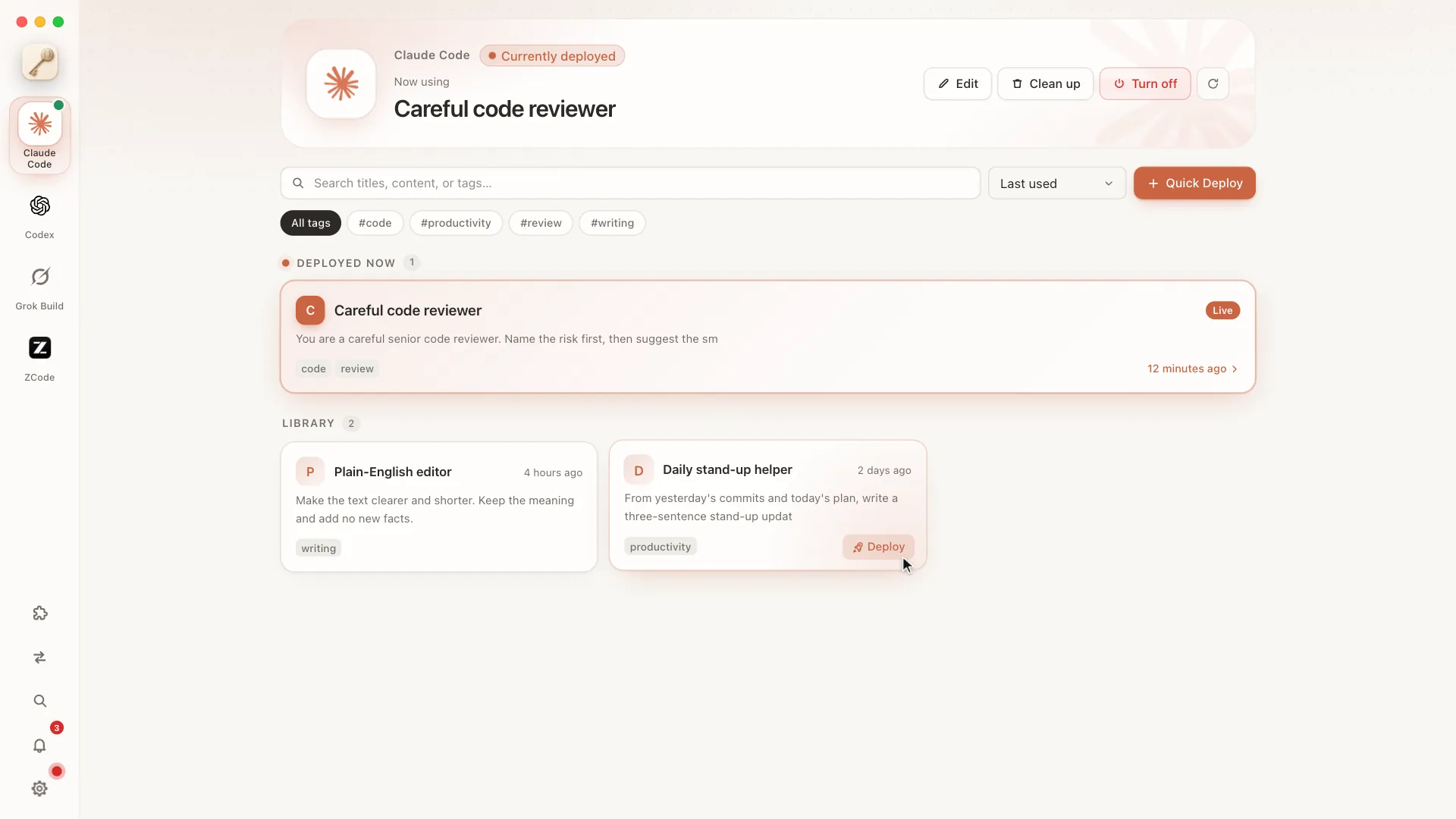
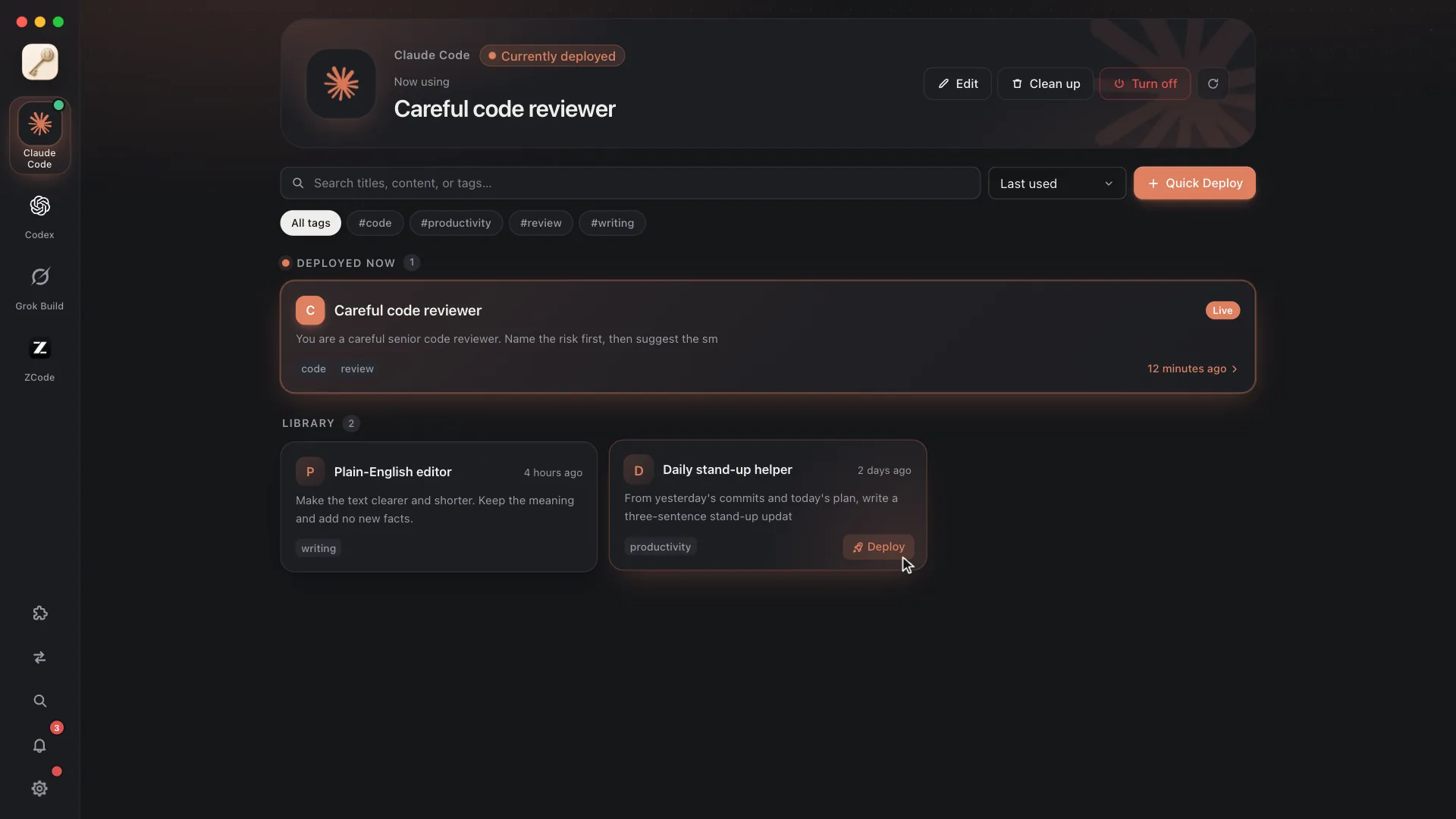
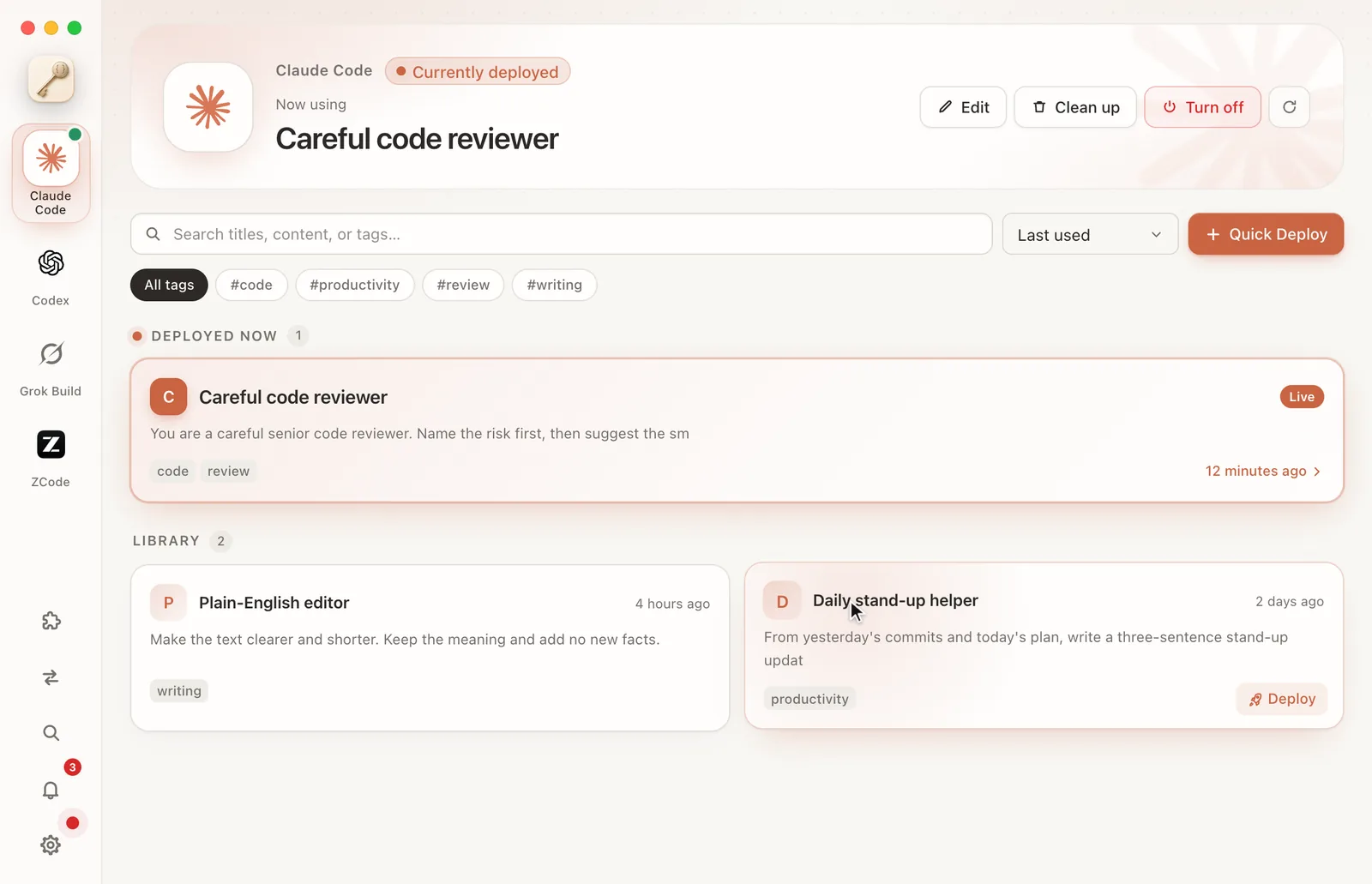
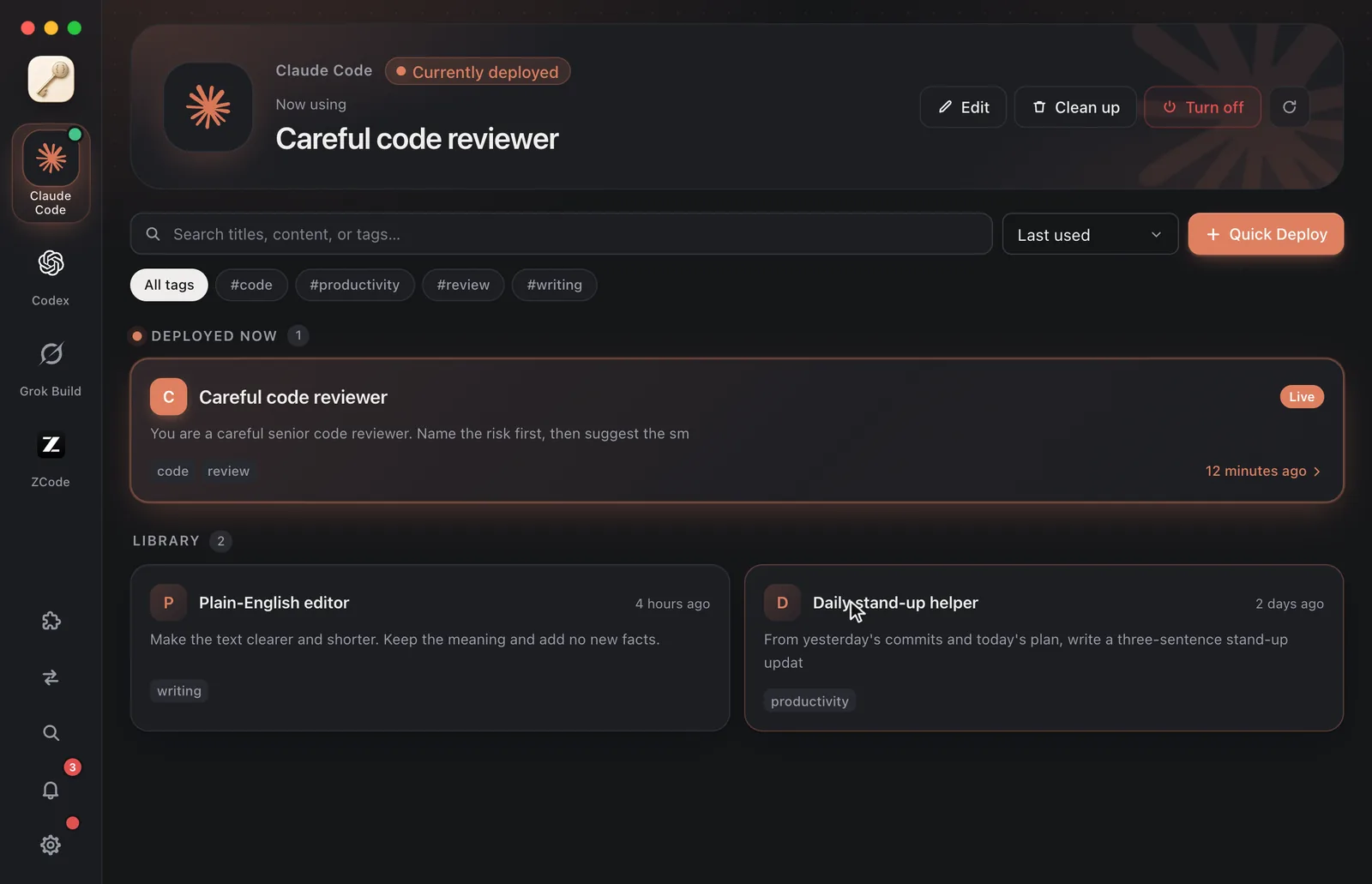
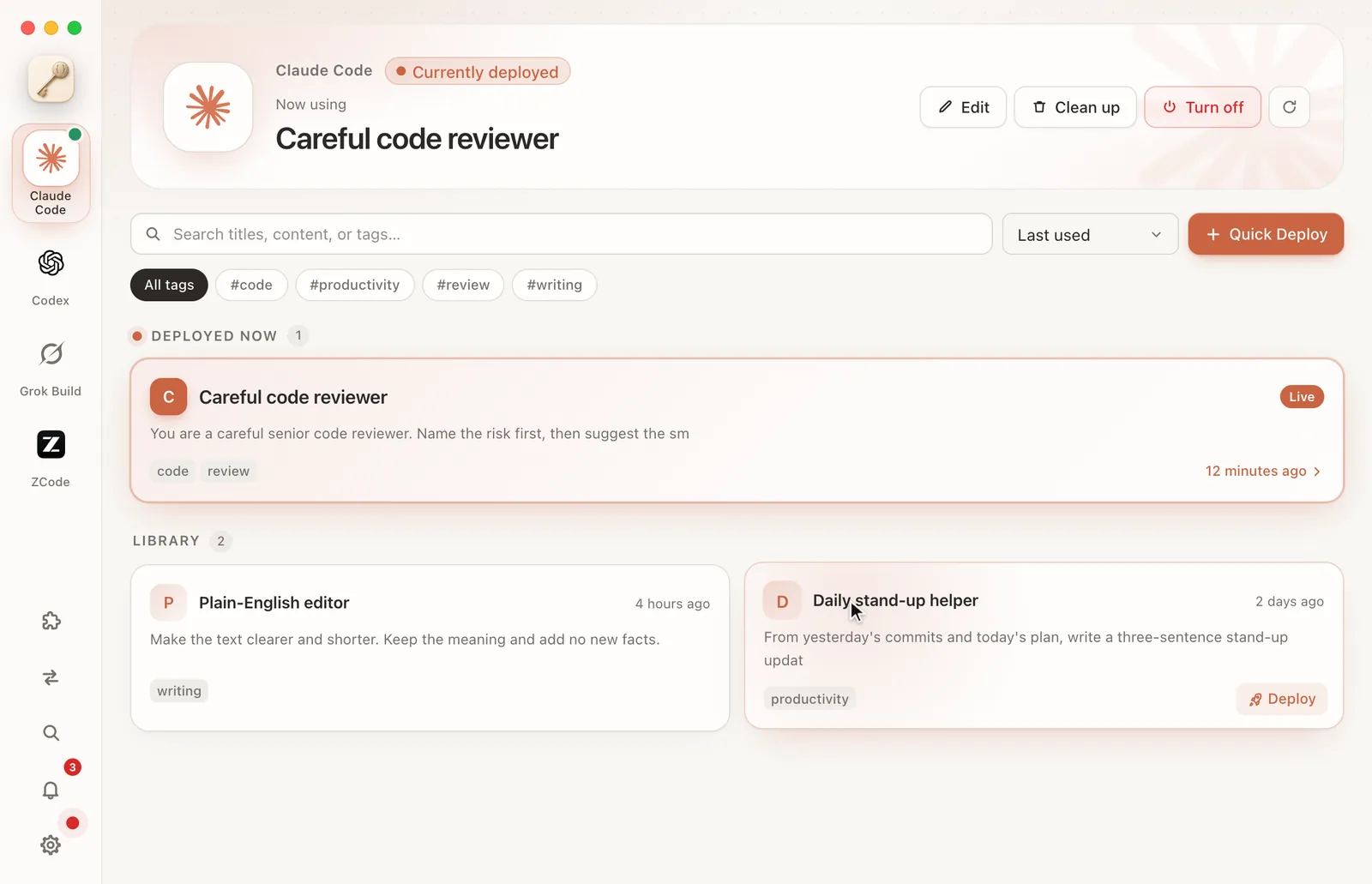
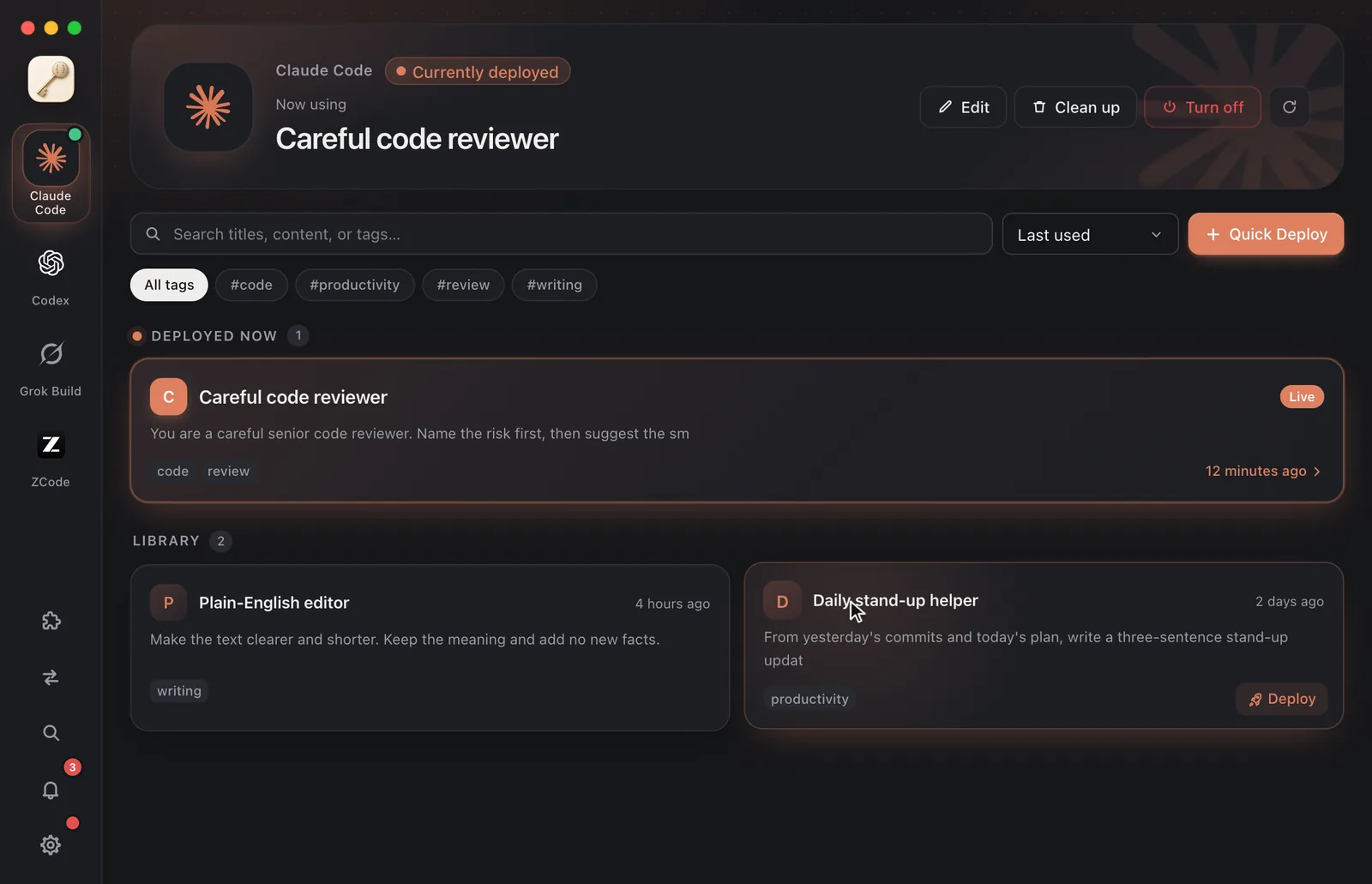
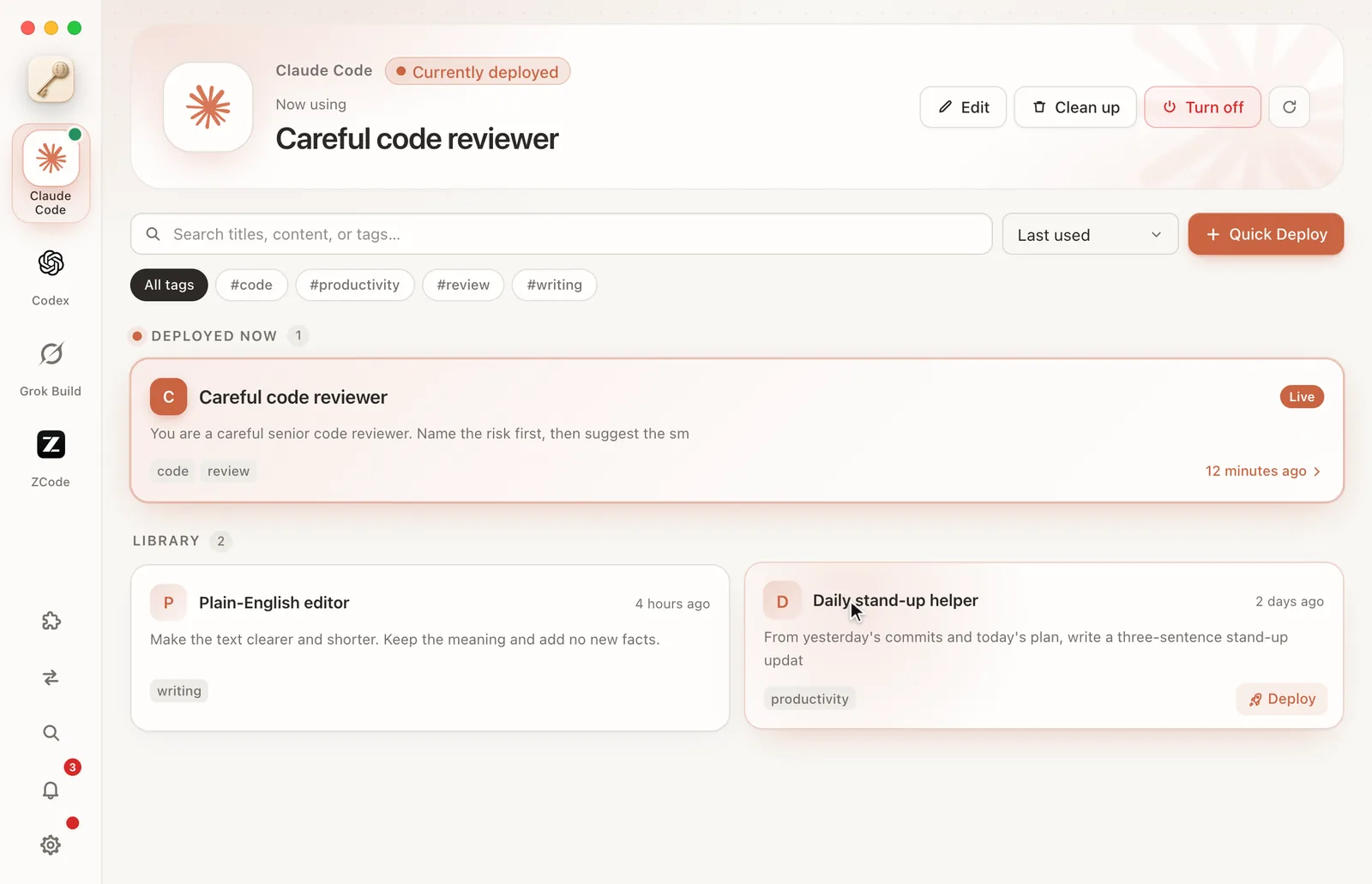
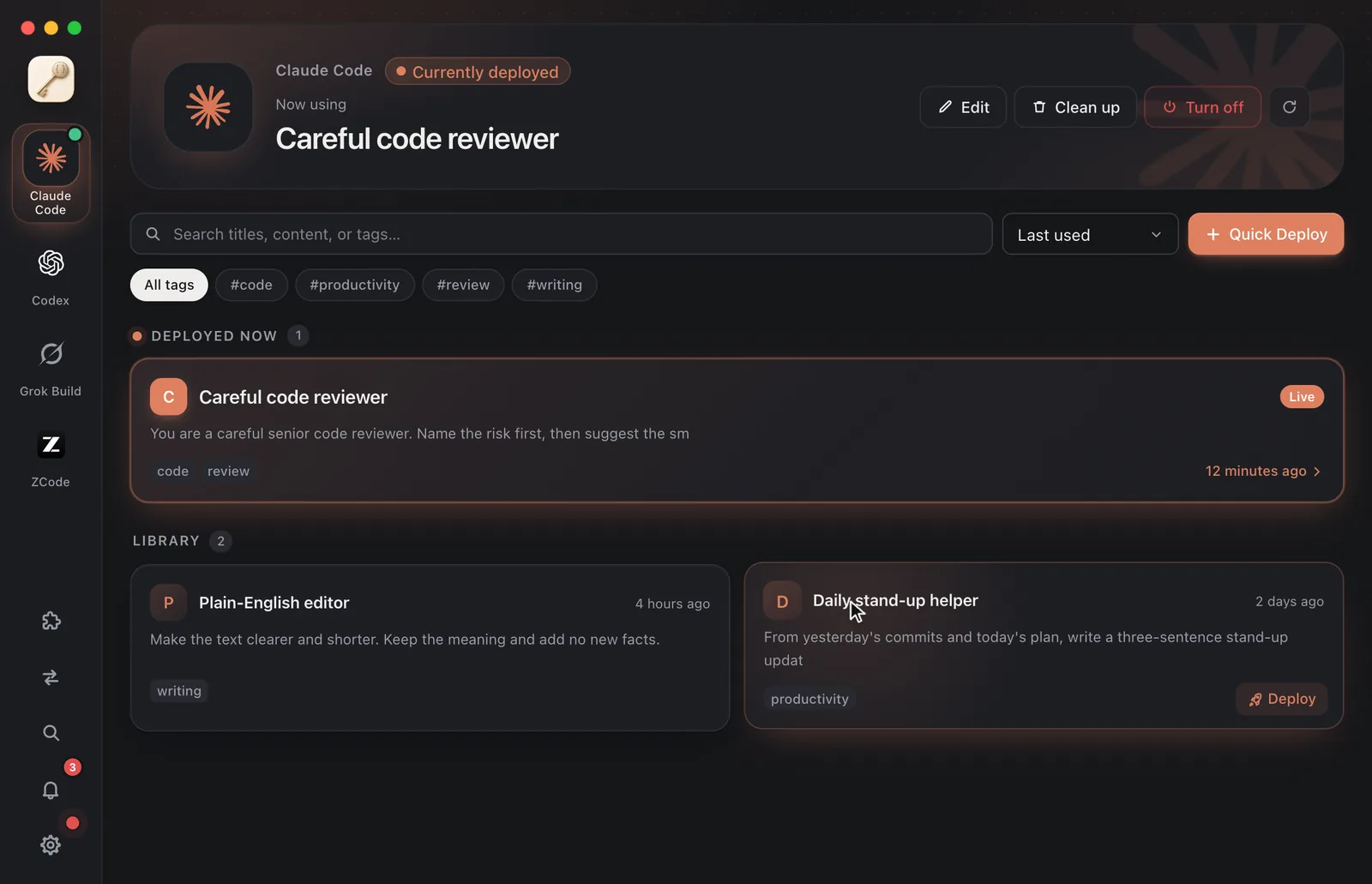
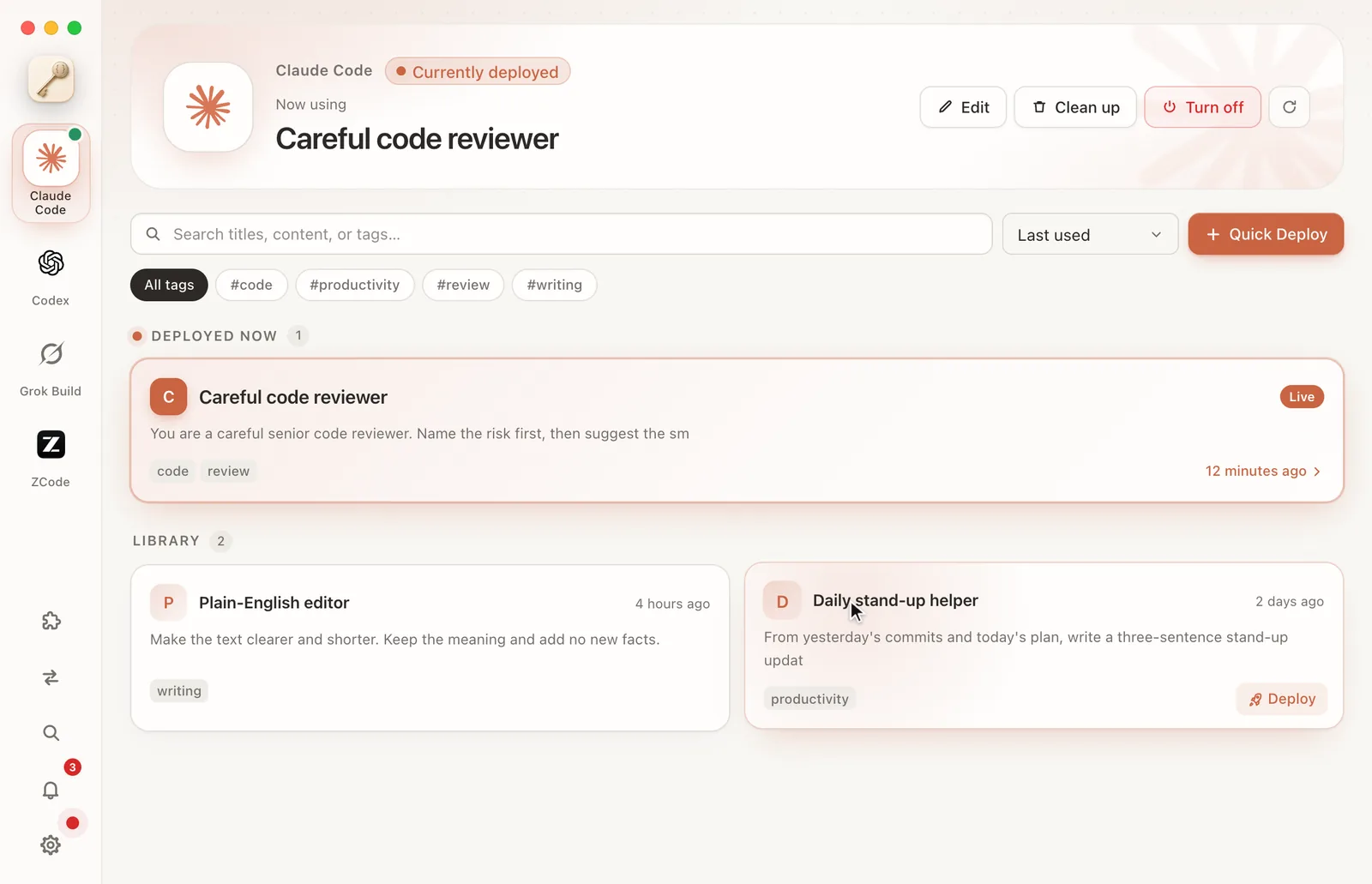
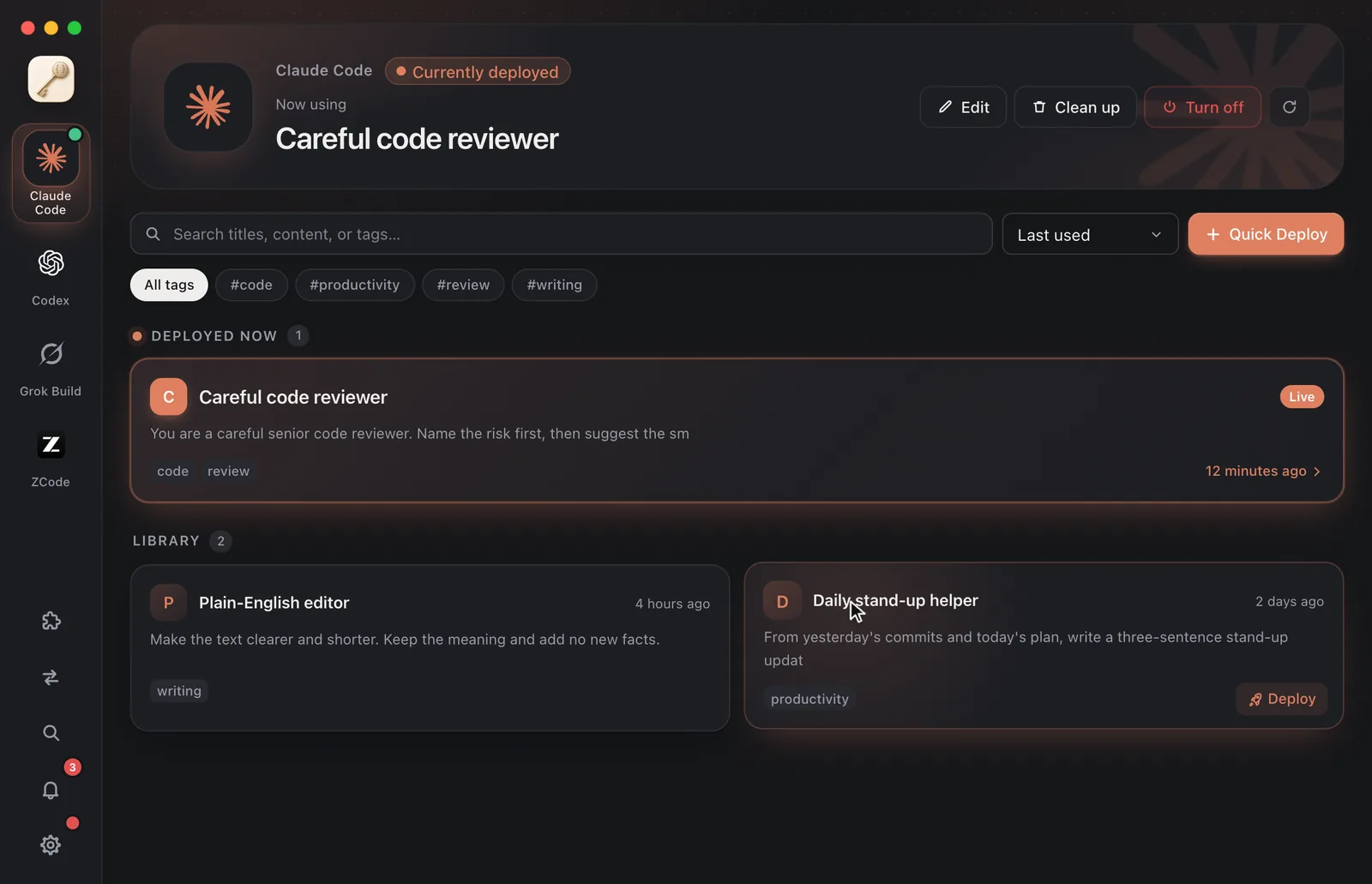
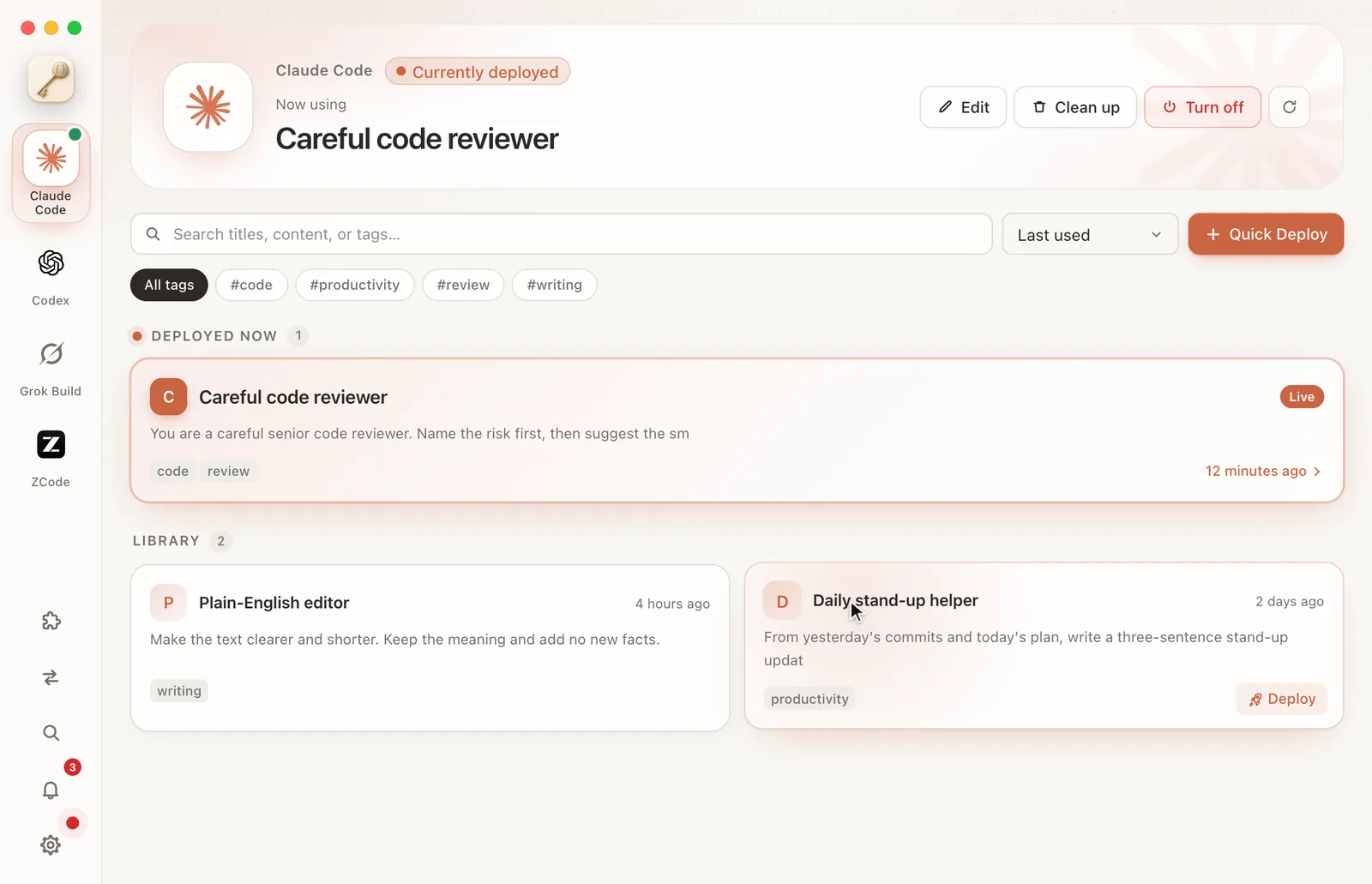
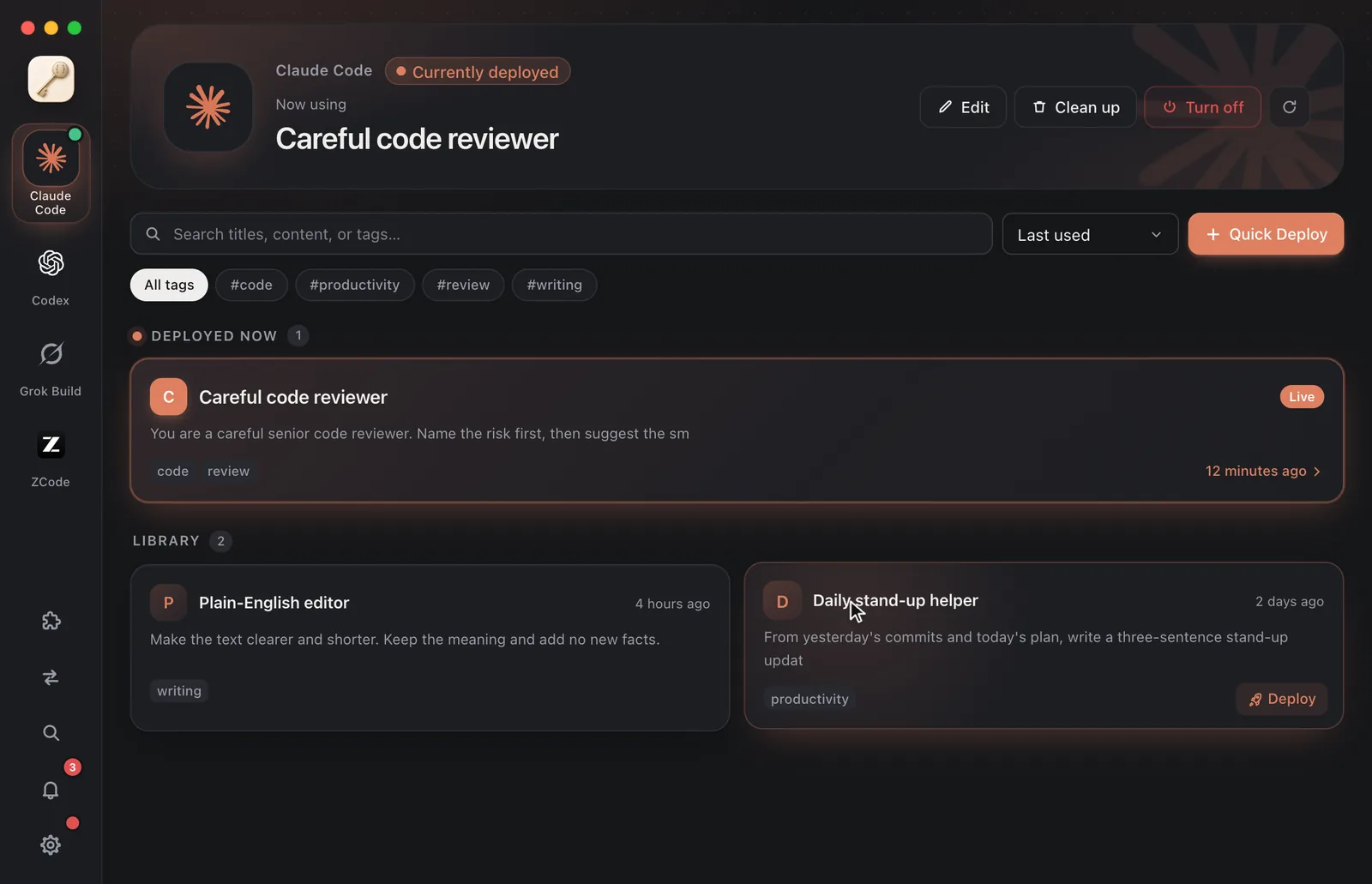
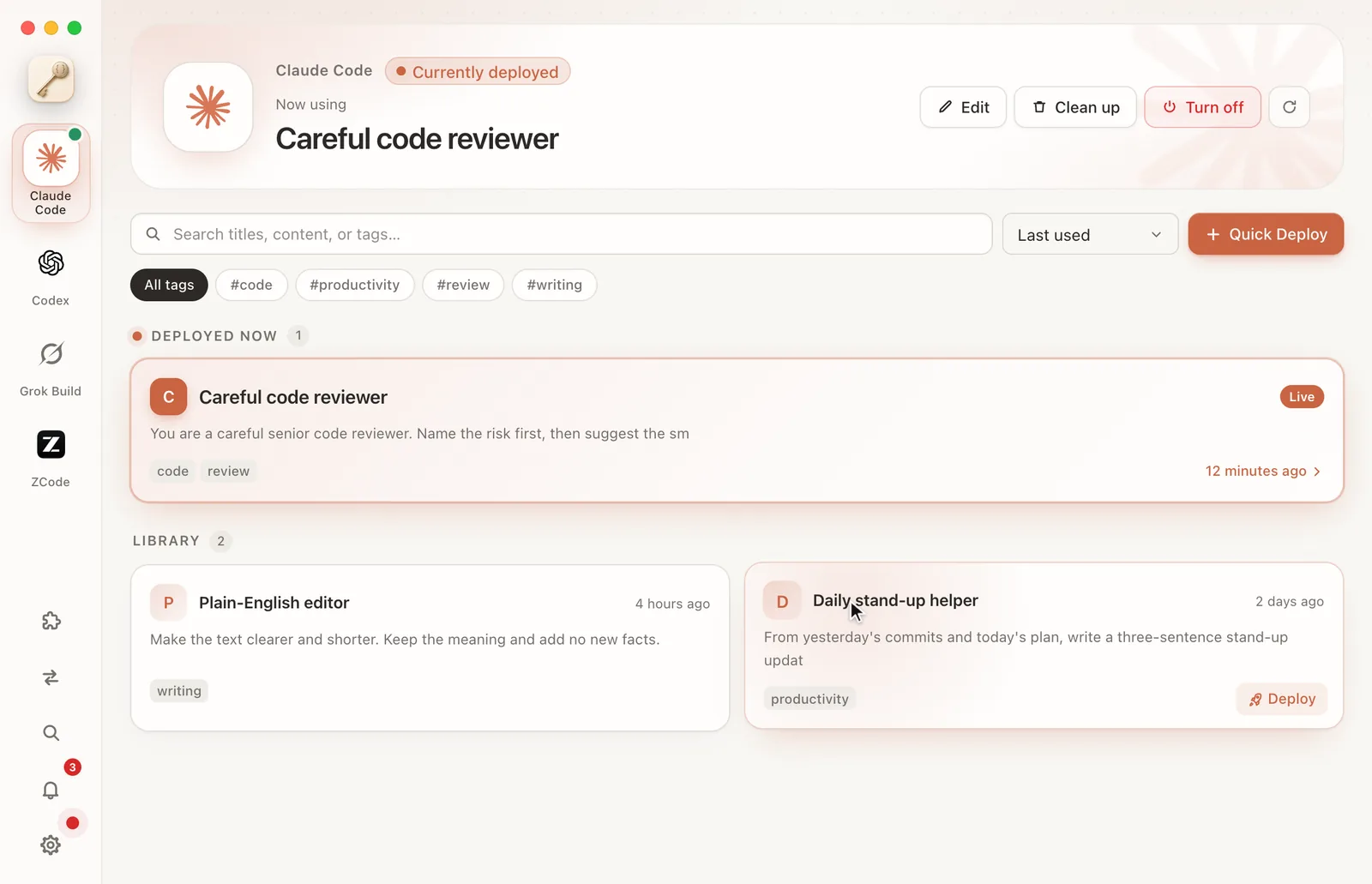
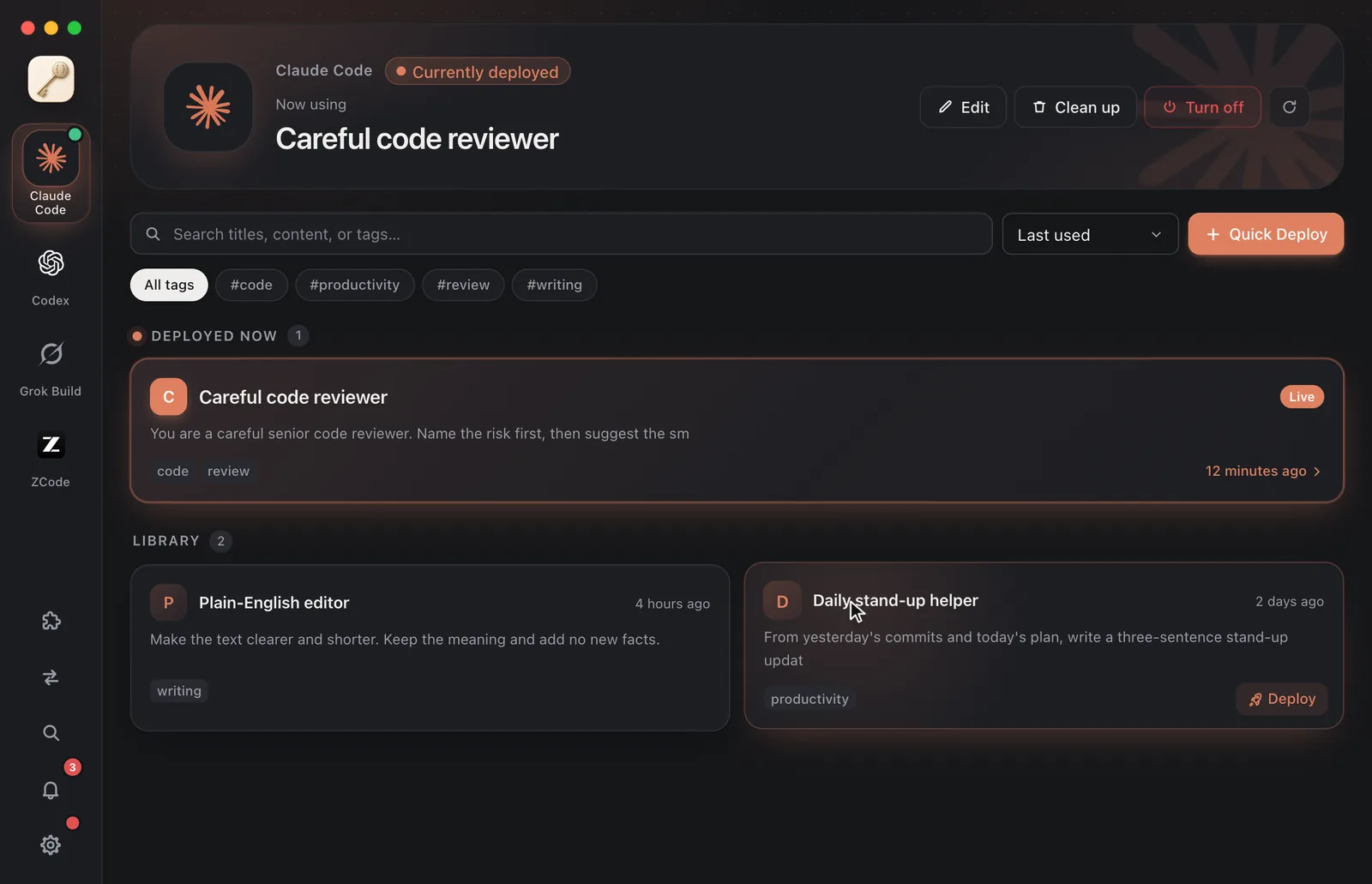
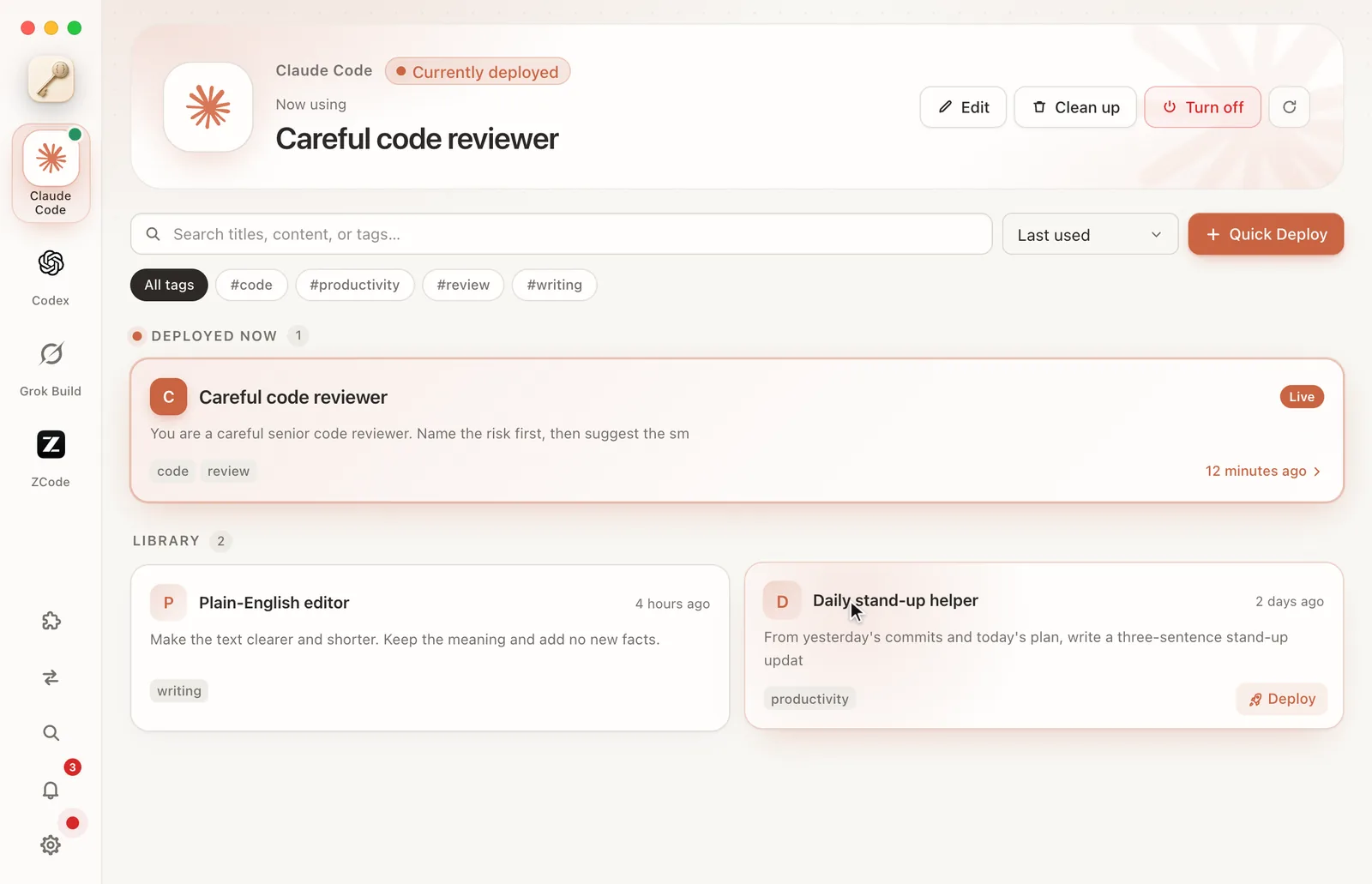
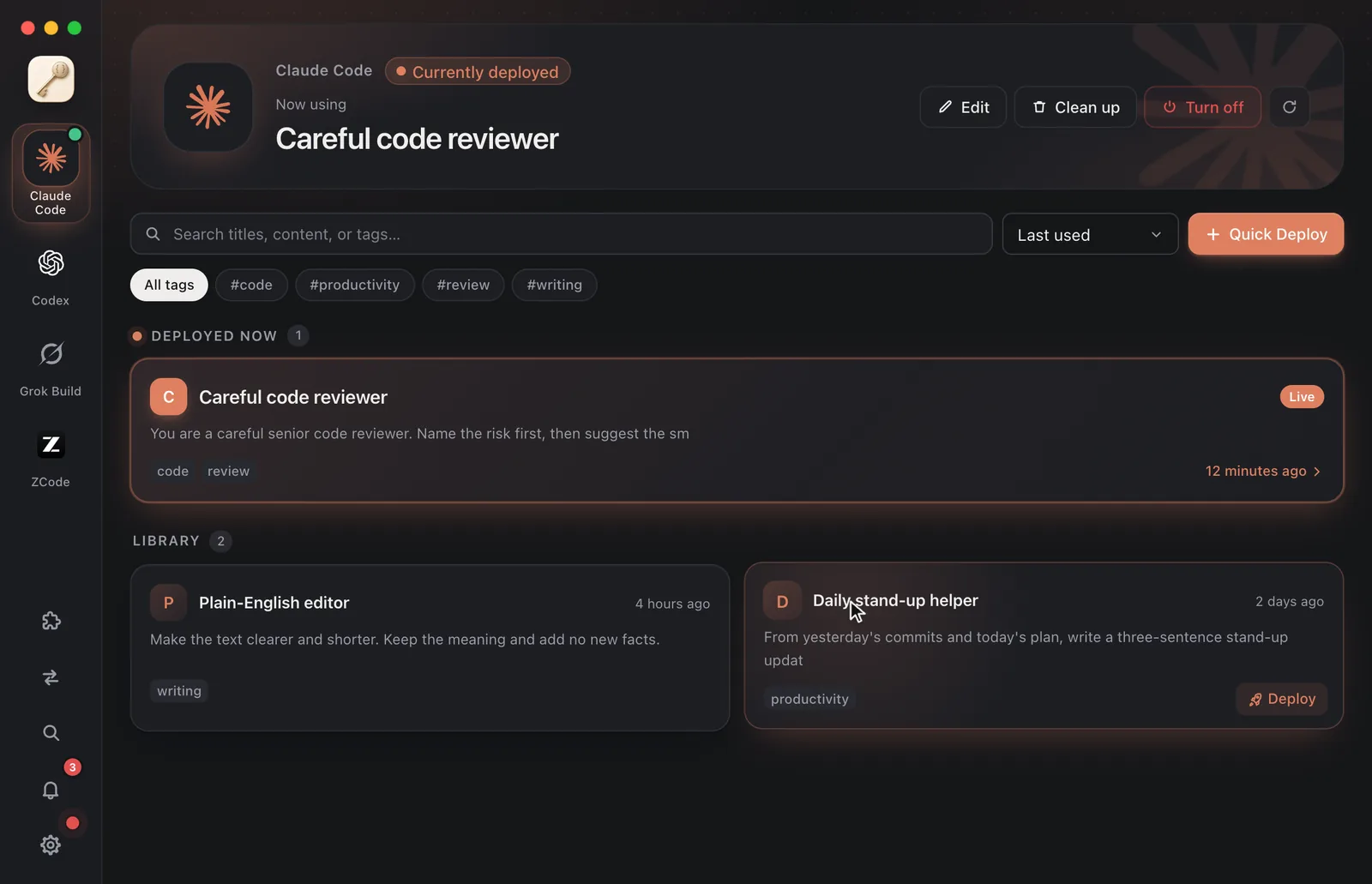
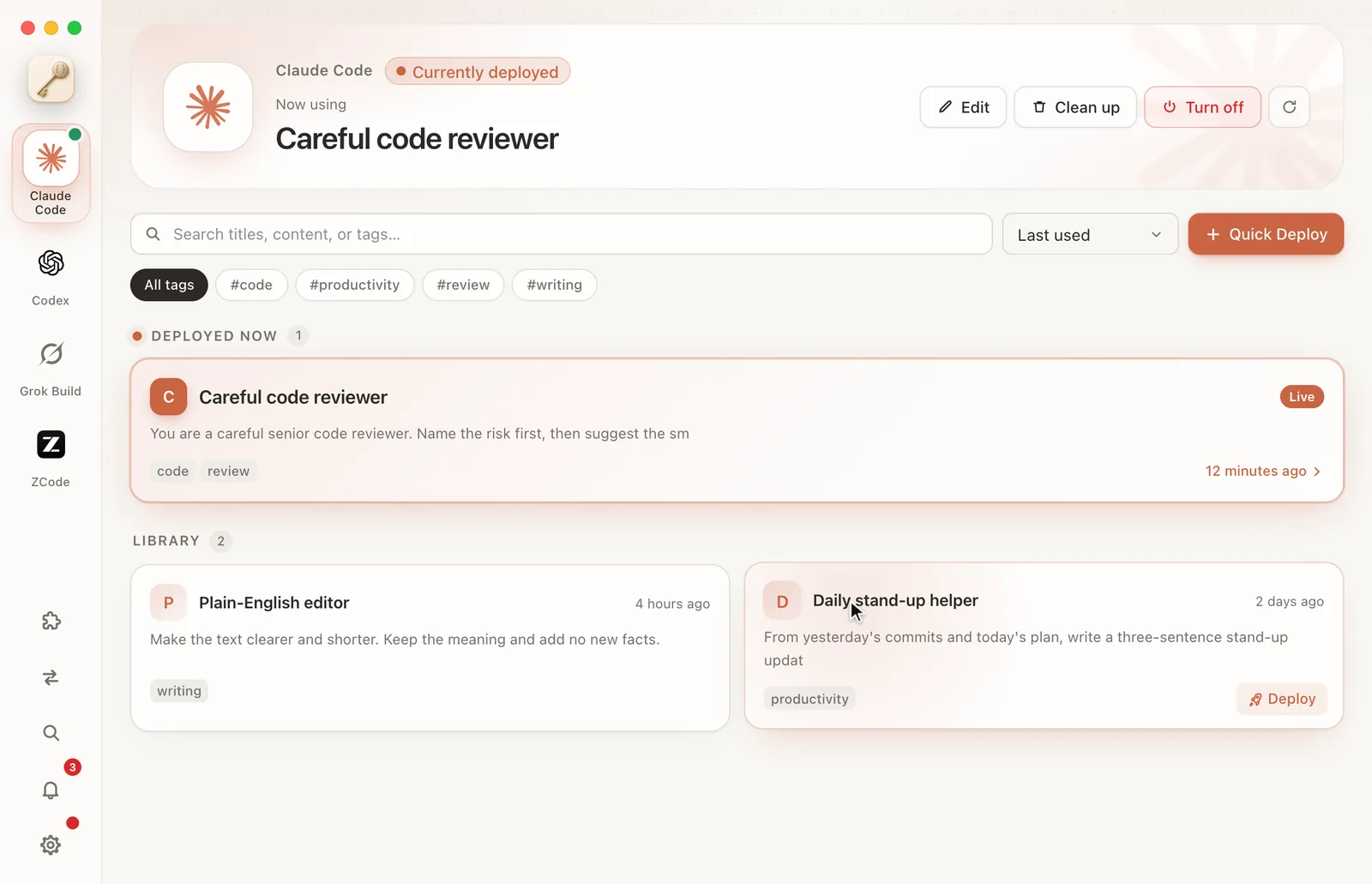
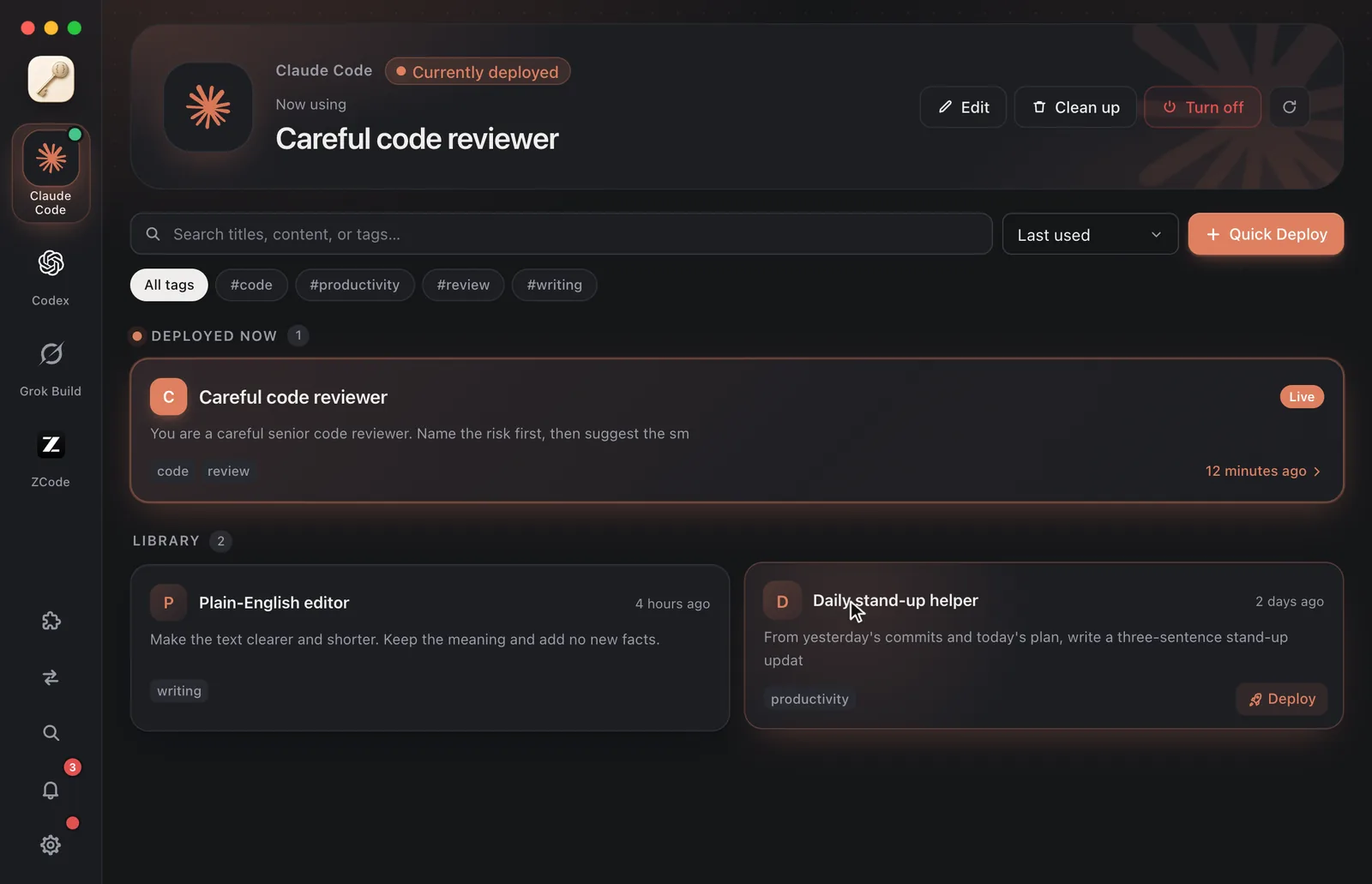
Four agents. One prompt library. Look before you deploy. 01 One library, four agents. 02 Paste a prompt, read the plan first. 03 ⌘K, and it's right there. 04 Clean up, with a version saved first. A tour of Keysmith Switch 01 One library for four agents Prompts are kept per agent, with tags, search and sorting. Switch agents from the rail and the whole window takes on that agent's color. 02 See the plan before anything is written Every deploy starts with a plan: what the agent uses now, what it will use after, and what gets backed up. Nothing is written until you confirm. 03 Clean up, with a version saved first Clean up returns an agent to a blank slate and saves a version first. Roll back from Settings → Versions; a rollback can be undone too. 04 ⌘K for everything Create a prompt, switch agents or deploy one, all from the keyboard. 05 Input rewrite Type as usual. Your rules are applied before the model sees your words; the input box and history keep what you typed. Connect each agent on its own and disconnect any time. 06 Extension packs Optional official prompt packs that update apart from the app. Installing only adds prompts to your library; nothing is deployed for you. 07 Adopt what's already running A prompt that is live in an agent but not in your library shows up as “The prompt in use right now”. Add it to the library to edit it and keep its history. 08 Announcements and in-app updates Announcements arrive under the bell, and important ones are pinned. A red dot in Settings means a new version is out; one click updates, and only when you say so.
The Keysmith family on GitHub Whatever it changes, you see it first. Adapters do the writing Deploys and turn-offs are written by each agent's open-source adapter. Switch looks after the library, versions, deploy plans and the record of what it did.
Backed up before it's written Deploys back up first; cleanups and rollbacks save a version first. Turning off and disconnecting undo only what Switch wrote.
No quiet edits Adapters receive only the prompt text. The same text reuses the existing entry instead of quietly changing its title or tags.
Prompts stay on your computer Prompts come from what you paste or local files and are never uploaded. No analytics, no telemetry; every case where the app goes online is listed in the docs.
One prompt library, written in each agent's own format. Claude Code macOS · Windows v7.2 / claude-keysmith
A managed import in your user-level CLAUDE.md
Adapter source The prompt goes in ~/.claude/keysmith/, imported by a marked block in CLAUDE.md Turning it off removes only that block; the rest of the file stays Clean up can empty CLAUDE.md, after you tick a box, with a version saved first Input rewrite changes only one address in settings.json Input rewrite does not support Bedrock or Vertex Files it touches
CLAUDE.md keysmith/ settings.json
v0.6.0 / codex-keysmith
Loaded through model_instructions_file in config.toml
Adapter source The prompt goes in ~/.codex/ and config.toml gets model_instructions_file config.toml is backed up first; a hooks.json that would interfere is set aside with a backup Clean up can empty AGENTS.md; the memories folder needs its own checkbox Input rewrite adds a provider and leaves yours unchanged Input rewrite needs a custom provider Files it touches
config.toml AGENTS.md memories/ hooks.json
Grok Build macOS · Windows v0.7.0 / grok-keysmith
Written to home rules that every session reads
Adapter source The prompt goes in ~/.grok/rules/99-keysmith.md, read by every Grok session A marked block in config.toml turns off the Claude / Cursor compat layers and sets hooks aside Turning it off removes only the file and block it wrote Input rewrite writes each model's forwarding address between a pair of markers Input rewrite needs Grok to have run once and fetched its model list Files it touches
rules/99-keysmith.md config.toml hooks/
ZCode macOS · Windows v0.3.2 / zcode-keysmith
Applied as a true system role
Adapter source The prompt goes in ~/.zcode-keysmith/system-role.md and acts as the system role Newer ZCode builds need one of ZCode's own files changed; it's backed up first and restored when turned off A few environment variables are set and put back when turned off Input rewrite changes the service address in provider_config.json Input rewrite does not support Coding Plan sign-in Files it touches
system-role.md provider_config.json